Support
How can we help?
Questions about NCalc, a bug to report or an idea for a new feature — find answers below or get in touch.
Email support
Questions, bug reports or feature ideas — write to us any time.
tranleduy1233@gmail.com
Send an emailVideo tutorials
Watch the NCalc tutorial playlist on YouTube to see features in action.
Watch on YouTubeBuilt-in manual
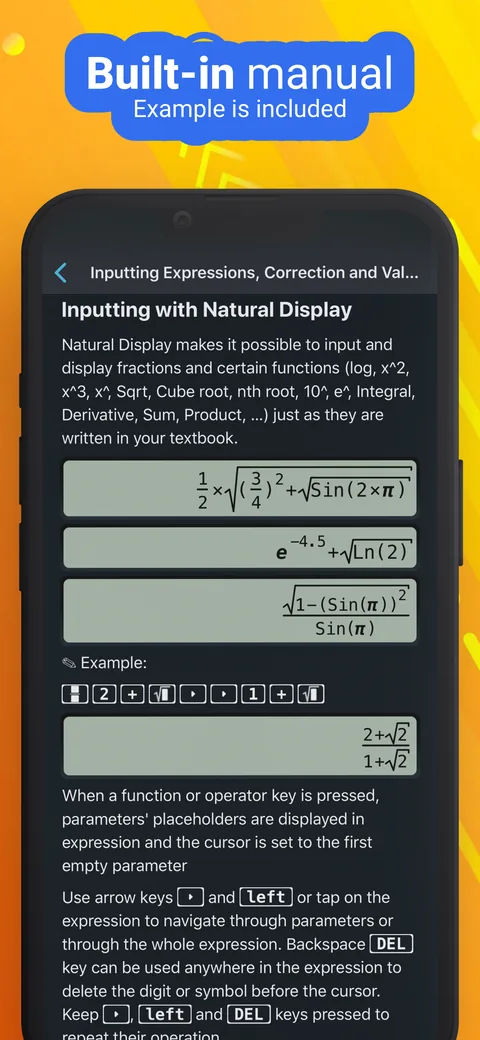
A detailed manual with examples is built right into the app — from entering expressions to advanced modes.
FAQ
Frequently asked questions
Can’t find what you’re looking for? Email us.
Which devices does NCalc support?
Scientific Calculator Plus 991 runs on:
- iPhone and iPod touch with iOS 15 or later
- iPad with iPadOS 15 or later
- Mac with macOS 12 or later
- Apple Vision Pro with visionOS 1 or later
Which calculator layouts are available?
NCalc offers keyboard layouts that match popular models — the 115 ES Plus, 991 ES Plus, 300 ES Plus and 991 EX — so the keys are right where you expect them.
Is NCalc free?
Yes, NCalc is free to download. Optional in-app purchases are available, including Premium and Pro upgrades and monthly or yearly subscriptions.
How do I cancel or manage a subscription?
Subscriptions are billed and managed by Apple. On iPhone or iPad, open Settings, tap your name, then tap Subscriptions.
To avoid being charged for the next period, turn off auto-renewal at least 24 hours before the current period ends. See Apple’s guide: Cancel a subscription from Apple.
How do I get a refund?
Purchases are processed by Apple, so refunds are requested from Apple at reportaproblem.apple.com. See Apple’s refund guide for details.
My purchase isn’t showing on a new device. What should I do?
In-app purchases are linked to the Apple Account you used to buy them, so make sure you’re signed in with that same account. If your purchase still doesn’t appear, email us with the order ID from your Apple purchase history.
Where can I learn how to use a feature?
NCalc includes a built-in manual with examples. You can also watch the video tutorials on YouTube.
Which languages does NCalc support?
English and 50 more languages, including Arabic, Chinese (Simplified and Traditional), French, German, Hindi, Indonesian, Italian, Japanese, Korean, Portuguese, Russian, Spanish, Turkish and Vietnamese.
How do I report a bug or suggest a feature?
Email tranleduy1233@gmail.com. For bugs, please include:
- your device model and iOS, iPadOS or macOS version
- the app version
- the steps or expression that caused the problem — a screenshot helps a lot